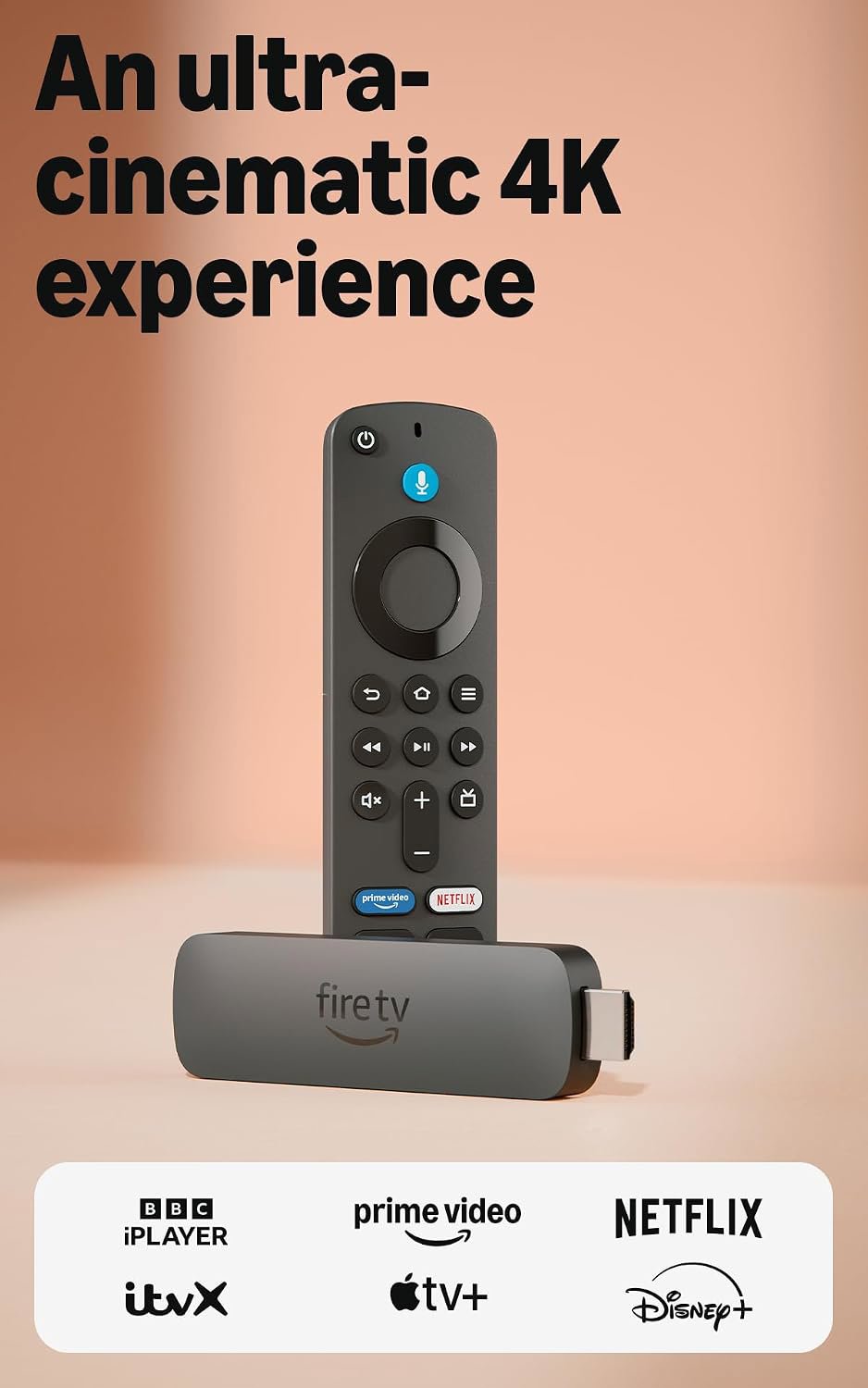
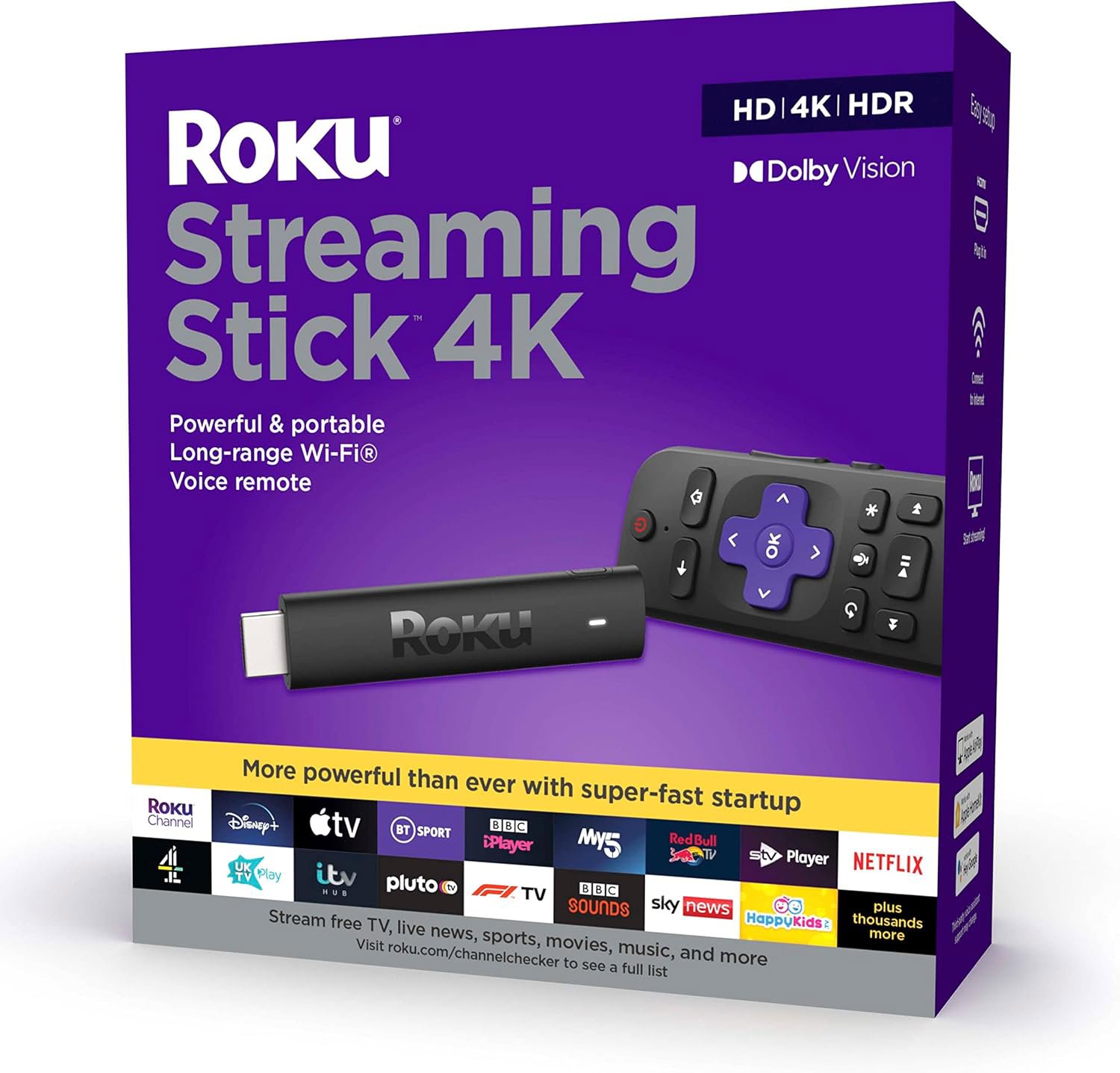
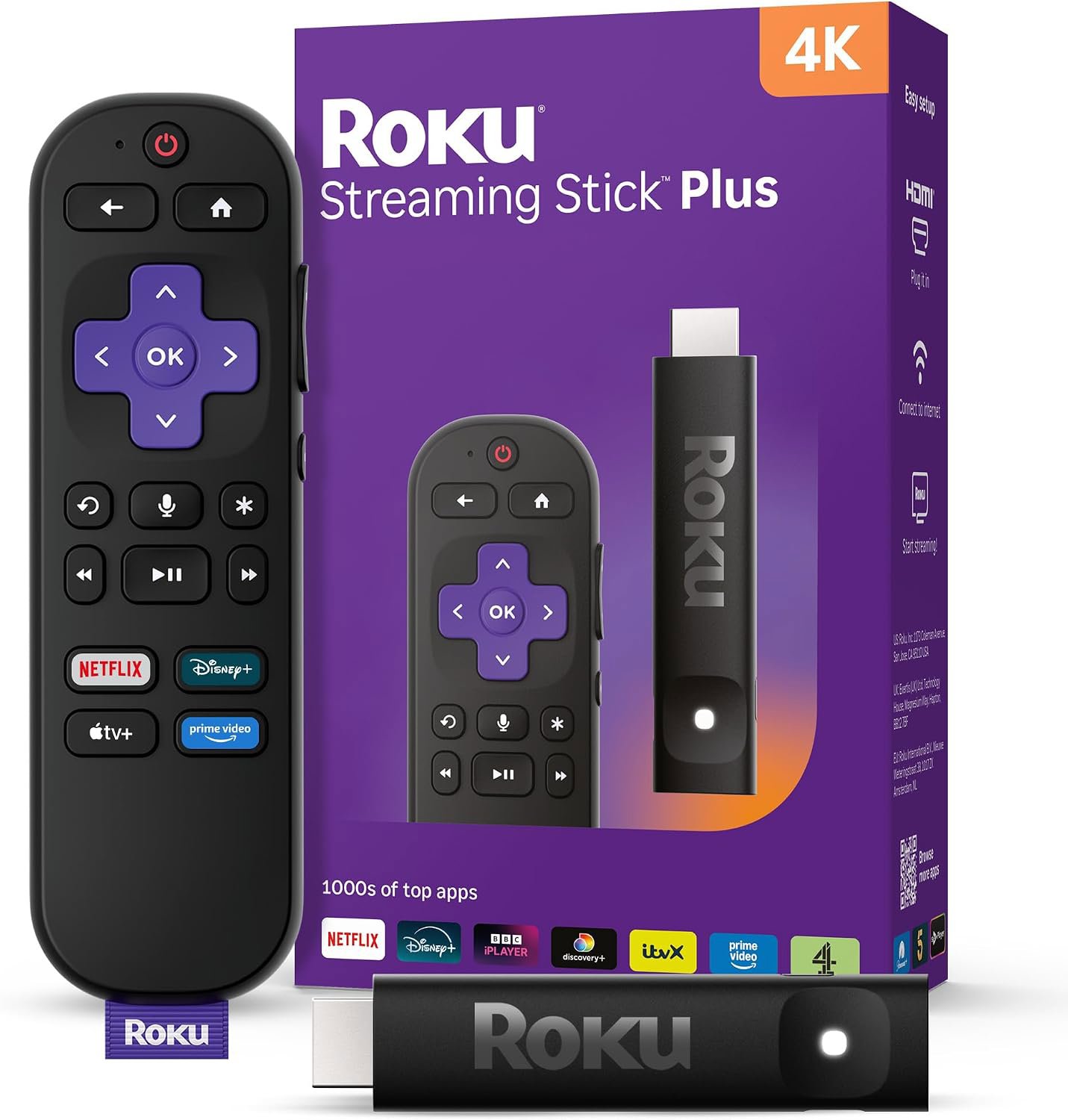
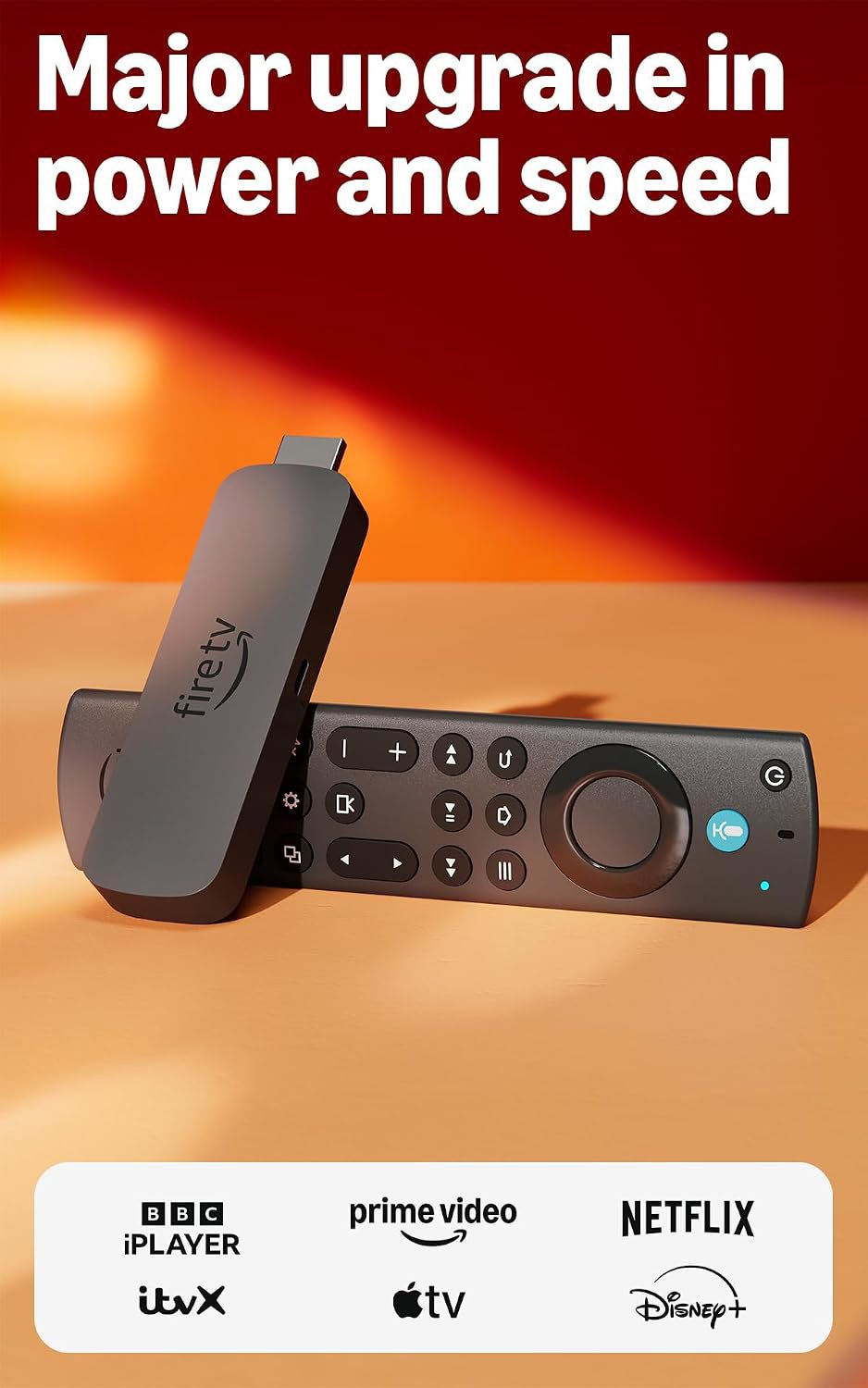
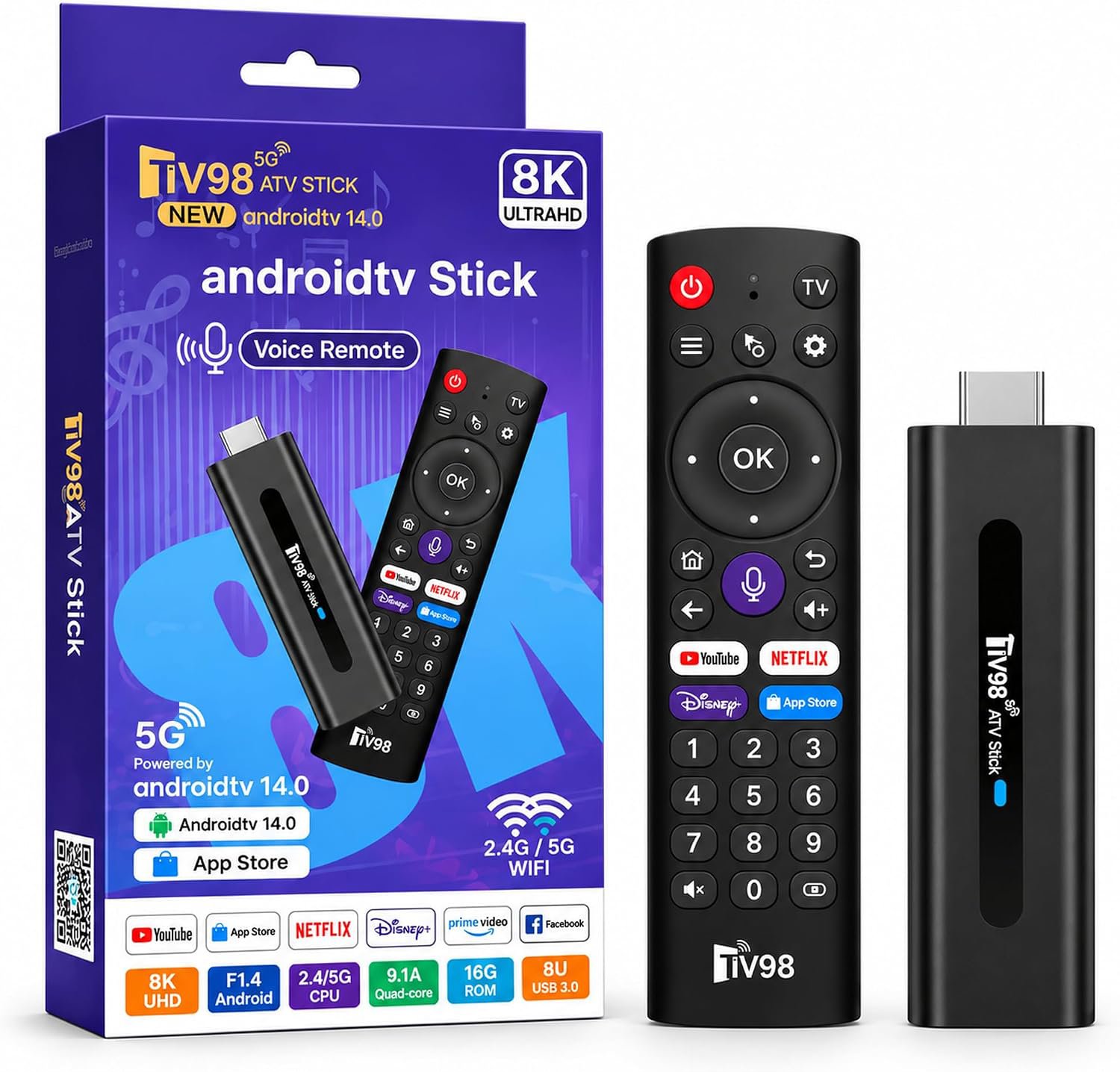
For most people, the Fire TV Stick 4K Max is the performance king, while the Roku Streaming Stick 4K wins on simplicity. Avoid the generic Android stick unless you enjoy tinkering with temperamental hardware.
A wildcard option that attempts to offer pure Android on a budget. Don't expect the polish or support of the big brands.
What We Liked 👍
Budget-friendly price point
Standard Android ecosystem access
What Could Be Better 👎
Questionable software stability
Poor technical support
The battle of the chips and the bloat
When it comes to raw processing power, the Fire TV Stick 4K Max stands tall. It is noticeably snappier when you are jumping between high-demand apps like Netflix or Disney+. If you have a router that actually supports Wi-Fi 6E, the 4K Max will squeeze out every bit of speed you have, while the generic stick sits in the corner wondering why its Wi-Fi is struggling to load a menu.
Roku takes a different approach. Instead of throwing raw clock speed at you, they focus on keeping the experience clean. The interface is not trying to sell you a Prime subscription in every single row. It is just your apps, in a grid, exactly where you expect them to be. Spec sheet says one thing, reality says another, but Roku keeps the reality grounded and simple.
Why your choice is mostly about patience
If you have zero patience for software glitches and menus that lag, get the Fire TV 4K Max and just accept the marketing. If you have zero patience for navigating ads just to find your favorite show, get the Roku Streaming Stick 4K. The generic Android stick is for the person who enjoys troubleshooting their tech for fun. If you want to watch TV, stay away from the generic options and stick with the big names that actually release firmware updates.
Which stick actually deserves your money?
If you live in the Amazon ecosystem and want the best performance, the Fire TV Stick 4K Max is the clear winner. For everyone else who just wants a clean, reliable, and frustration-free experience, the Roku Streaming Stick 4K is the one to buy. Just keep the generic Android stick in the box unless you fancy being your own tech support department.