The reality check on the spec sheet circus
Welcome to another round of me dissecting a television that promises the moon but costs less than a decent office chair. The
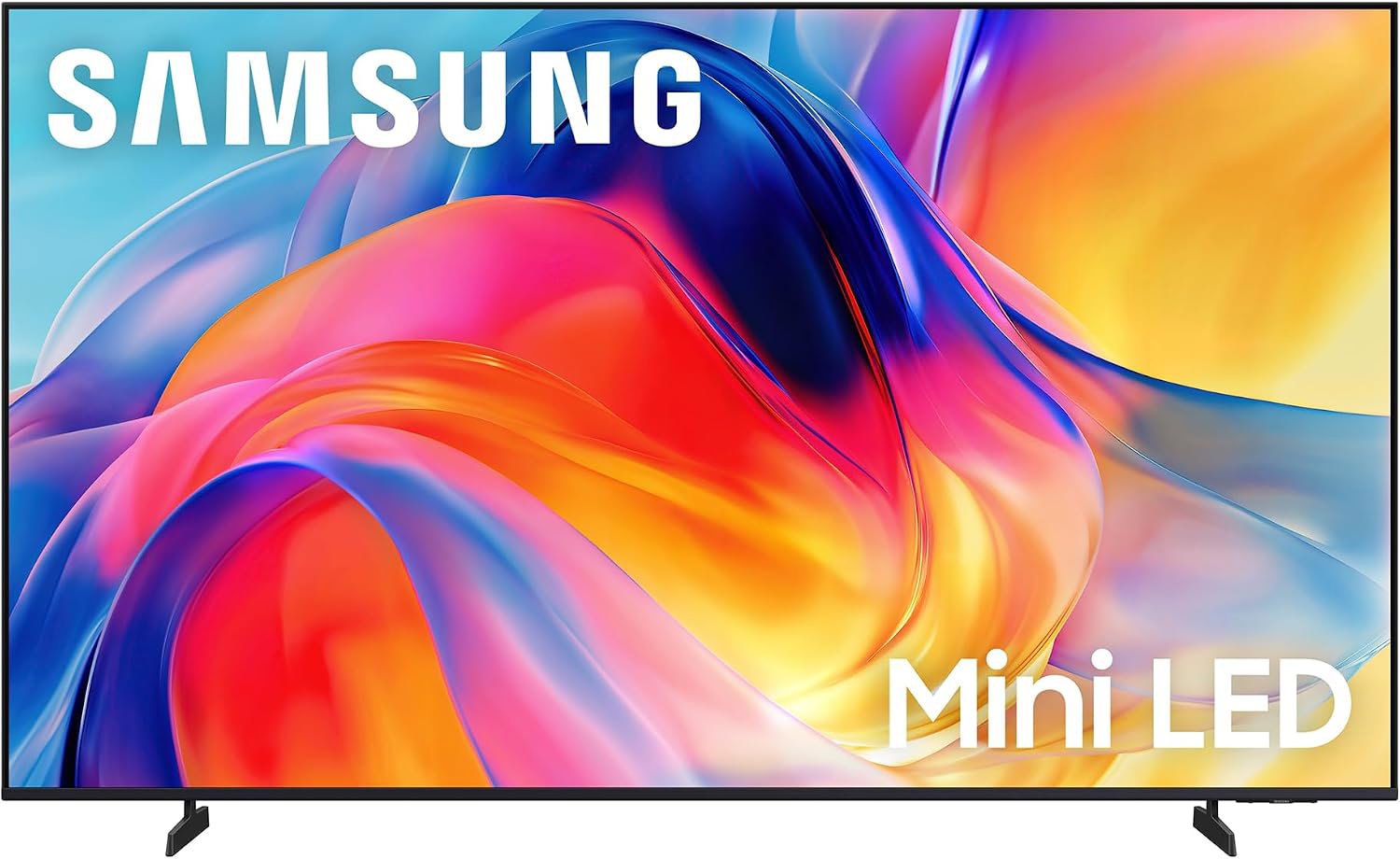
Samsung 65-inch M70H Series is hitting the market with a marketing department that clearly worked overtime. They are throwing terms like Mini LED around like it is going to replace a full-array local dimming setup on a two-thousand-dollar panel. Spec sheet says one thing, reality says another. Let us be clear, for the price point, you are getting a massive piece of glass that functions perfectly fine, but do not go expecting it to win any cinematography awards in a darkened room.
The build quality is exactly what you would expect for a TV retailing for under four hundred dollars. It is plastic, it is light, and it sits there looking like a TV.
Samsung has managed to make it look decent enough, but do not go leaning on it. The setup process, provided you live in the Samsung ecosystem, is actually quite painless. If you already have a Samsung phone, it basically does the heavy lifting for you. It is the kind of convenience that makes you forgive a lot of things, at least until you get to the menu interface.
I have read through the choir of user experiences, and there is a recurring theme of people moving up from decade-old 1080p sets. Of course, they think it is the best thing since sliced bread. If you are coming from a dusty old Insignia or an early smart TV that now takes five minutes to load Netflix, this will feel like jumping into a warp-speed ship. The 4K resolution is crisp, and the color reproduction is genuinely impressive for the entry-level bracket. Just remember that your neighbors with the high-end OLEDs are having a different experience, even if they paid three times as much for the privilege.
Gaming performance is the real talking point here. The Motion Xcelerator and the 120Hz support are nice inclusions, provided you don't mind the sharpness trade-off that occurs when the software kicks in to boost that refresh rate. It is not going to replace a dedicated gaming monitor, but for a casual console session, it is more than adequate. If you are a competitive gamer who counts frames like a forensic accountant, you probably aren't looking at this price tier anyway. For everyone else, it gets the job done without a fuss.
The sound situation is the classic 'internal speaker' conundrum. It is loud enough to hear your shows, but asking it to handle cinematic bass is like asking a tricycle to pull a trailer. It works, but it is not dignified. Most users are rightly pairing this with a soundbar or a basic audio setup. If you stick with the built-in audio, keep the volume moderate, and save your ears the trouble. It is a standard TV speaker setup, which is to say, it is functional but forgettable.
Features that look good on a box
The crown jewel here is the Mini LED backlighting. Let us pull back the curtain on this one: it is software-based dimming. It is not the granular, individual light-zone control you get on those flagship displays that cost more than a used car. Does it improve the picture? Sure, it keeps the blacks from looking like a sad shade of grey, but it is not magic. It is clever programming working with decent LED hardware to provide a better contrast ratio than a traditional edge-lit panel, but it has its limits.
Then we have the 'Color Booster' and 'Soccer Mode'. I have always found 'Soccer Mode' to be a bit of a funny marketing gimmick. It basically cranks the saturation on the green and sharpens the motion. If you want your lawn to look radioactive and your athletes to move with strange, robotic fluidity, go ahead and turn it on. Most of us will probably set the picture mode to a standard setting and never touch those specific buttons again. It is cute that they included them, but it feels like a relic of a time when TV menus were the only way to customize your experience.
The smart hub is where the rubber meets the road.
Samsung has crammed everything into their Tizen-based interface, which offers a deluge of free channels via Samsung TV Plus. There is actually a staggering amount of free content if you don't mind the occasional ad or just want something to play in the background while you fold laundry. The inclusion of Gaming Hub is also a nice touch for those who don't want to deal with hardware clutter, assuming your internet connection is robust enough to handle the streaming load.
The final verdict: who gets the remote?
If you are a casual viewer looking to upgrade a massive screen in your bedroom or guest room without emptying your savings account, the
Samsung 65-inch M70H is a fantastic value. It is punchy, colorful, and gets the job done for streaming and casual gaming. However, if you are a home theater enthusiast who demands deep ink-blot blacks and blindingly high peak brightness for HDR content, look elsewhere and be prepared to pay the premium. This is a solid, everyday workhorse, not a showpiece.