TMKB M2, ATTACK SHARK X11SE/X8SE, Logitech G305, RisoPhy, and Razer Basilisk V3 X: Gaming Mouse Showdown

Gaming mice6 products

Quick verdict

Choose Your Weapon Wisely

For pure performance and brand reliability, the Logitech G305 and Razer Basilisk V3 X are the clear winners. If you are strapped for cash and enjoy gambling on software, the budget-friendly PAW3311 models offer surprisingly decent tracking for the price.

Side by side

FeaturePhoto of TMKB M2TMKB M2Photo of ATTACK SHARK X11SEATTACK SHARK X11SEPhoto of ATTACK SHARK X8SEATTACK SHARK X8SEPhoto of Logitech G305Logitech G305Photo of RisoPhy WirelessRisoPhy WirelessPhoto of Razer Basilisk V3 XRazer Basilisk V3 X
Price€29.99€28.89€32.99€38.01€31.98€49.00
Sensor PerformanceRazer and Logitech sensors remain the gold standard for consistency and tracking speed.PAW3311PAW3311PAW3311HERO 12KNot listedRazer 5G 18K (winner)
ConnectivityLogitech’s proprietary Lightspeed tech still wipes the floor with generic tri-mode chips.Tri-modeTri-modeTri-modeLightspeed Wireless (winner)Tri-modeDual-mode

Product by product

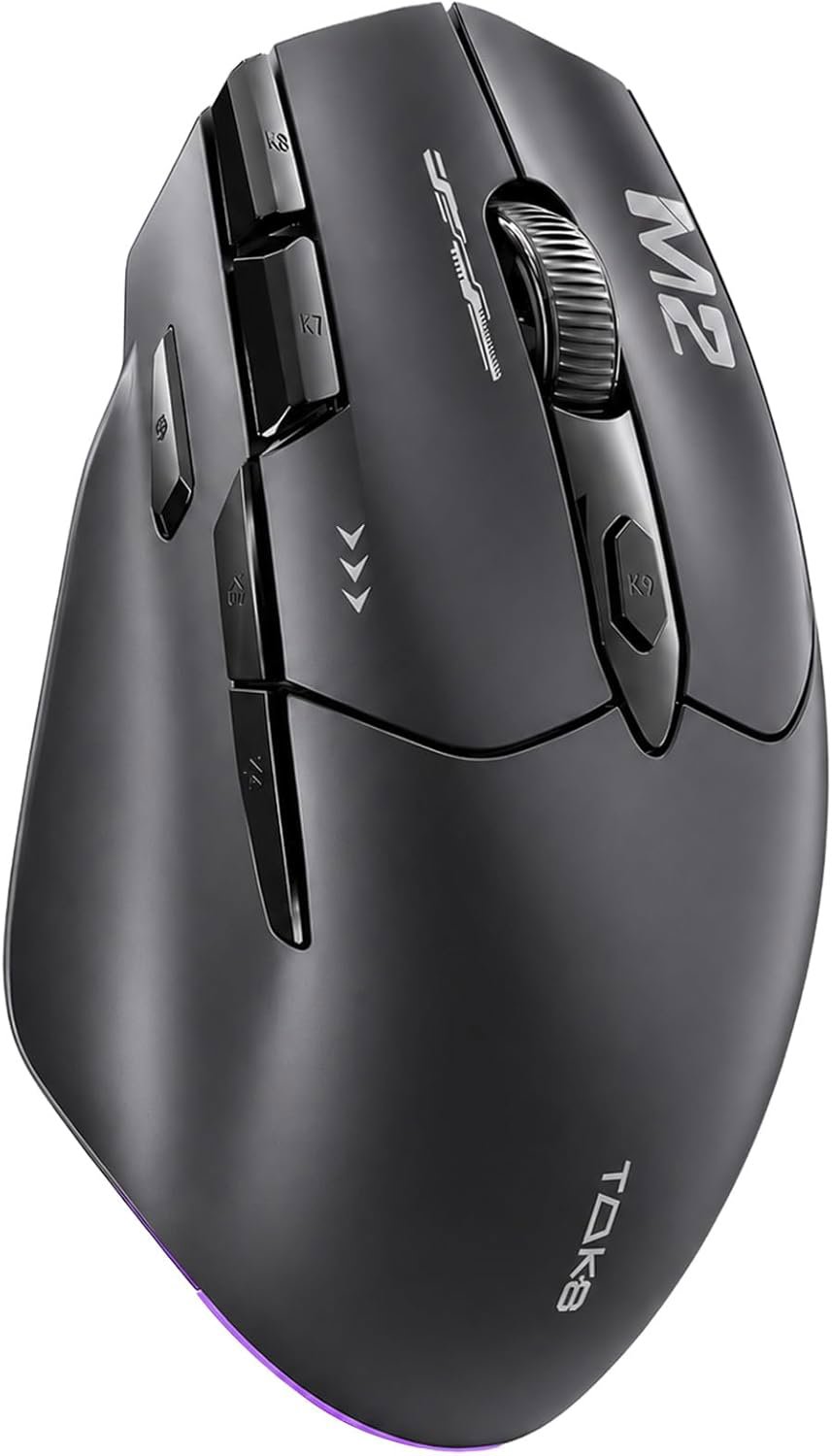
TMKB M2

Budget macro enthusiasts

An oddly capable mouse with nine buttons. Perfect if your life revolves around spreadsheets and macros.

What We Liked 👍

  • Nine programmable buttons included
  • Strong tri-mode connection options

What Could Be Better 👎

  • Software is a buggy disaster
  • ABS plastic feels incredibly cheap

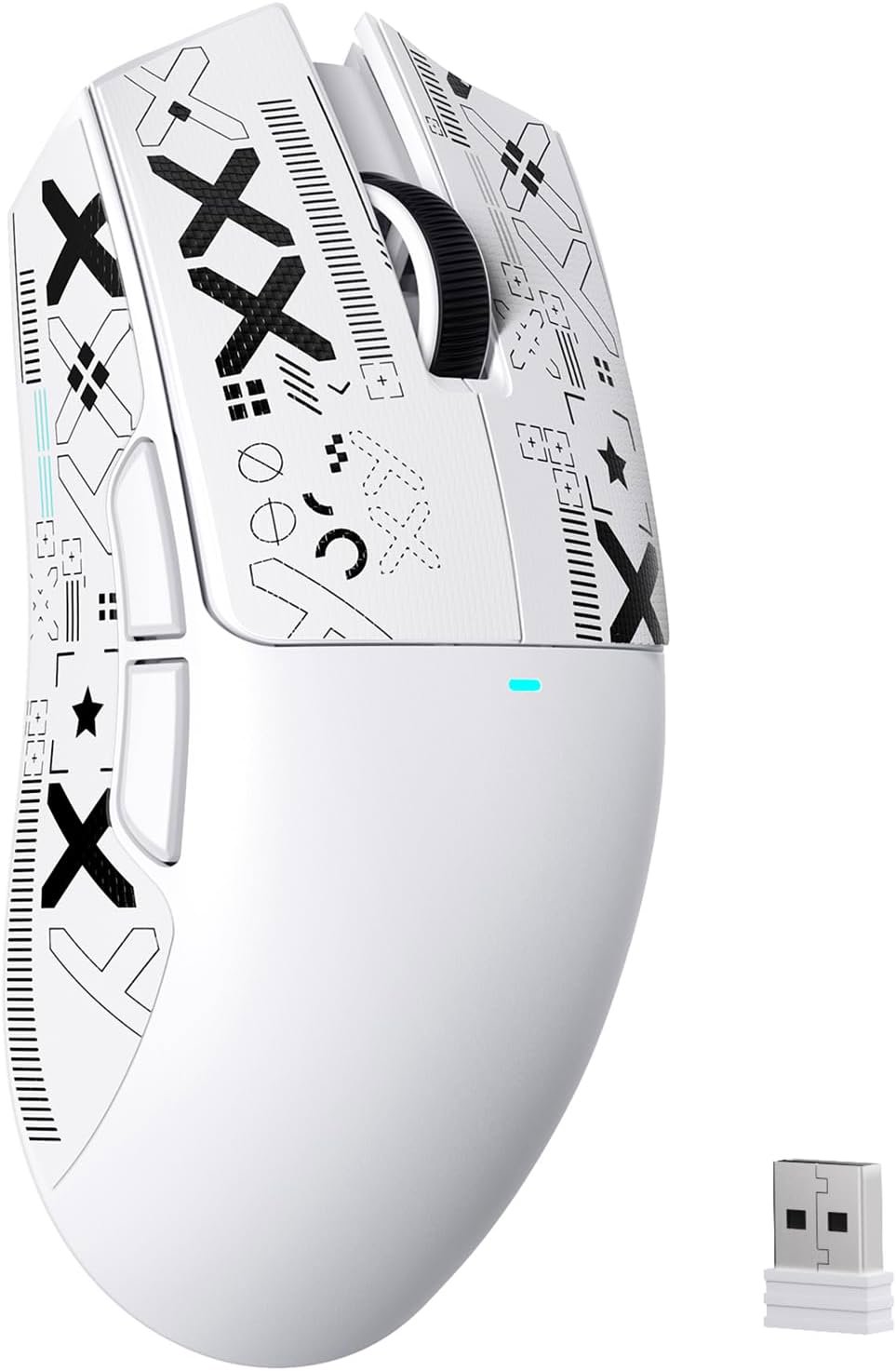
ATTACK SHARK X11SE

Minimalists on a budget

A super light option that mimics more expensive designs. Great for twitchy FPS gameplay.

What We Liked 👍

  • Extremely lightweight 63g frame
  • Responsive Huano switches included

What Could Be Better 👎

  • Scroll wheel feels somewhat mushy
  • Build quality is entirely basic

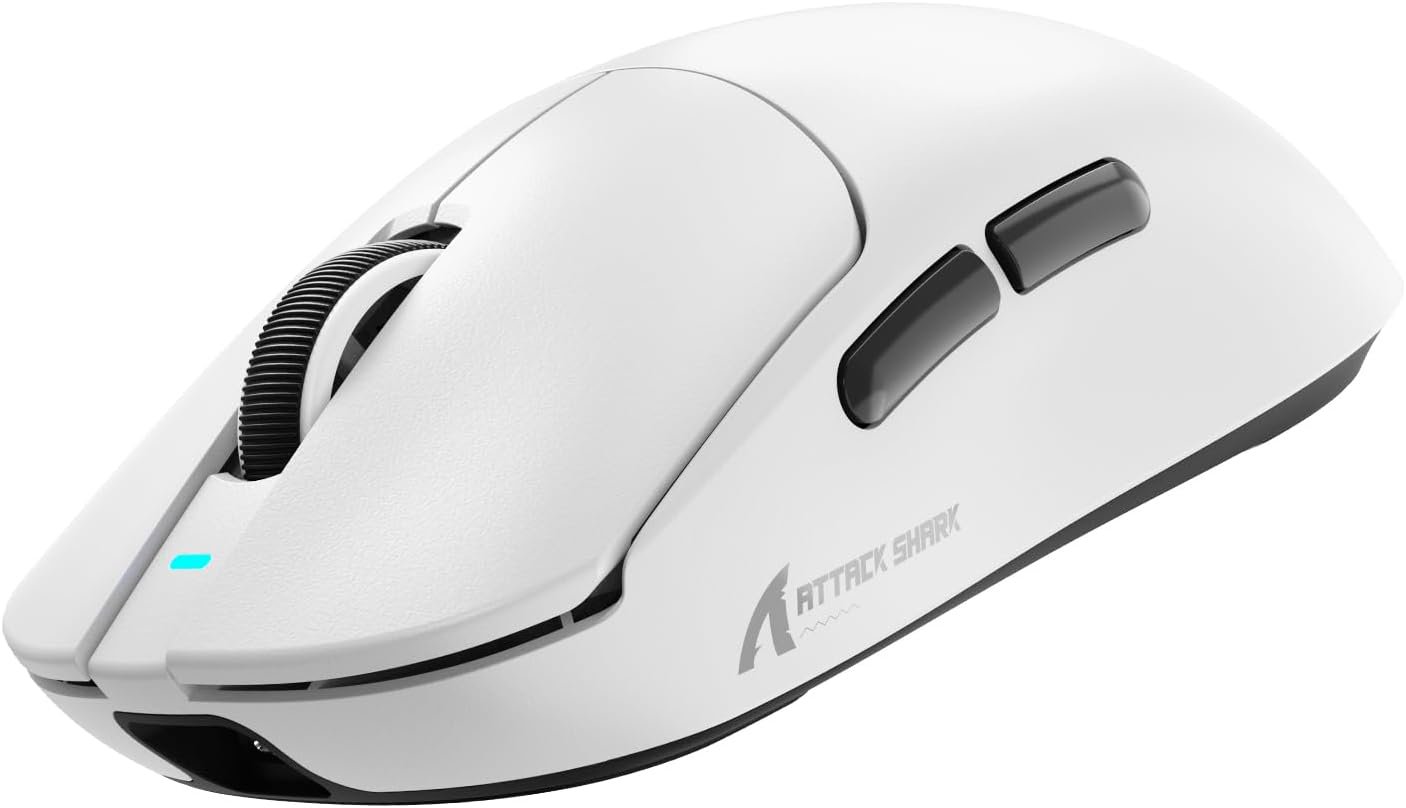
ATTACK SHARK X8SE

Large hand gamers

The big sibling that shed weight aggressively. Good for those needing a larger footprint.

What We Liked 👍

  • Super light at 55 grams
  • Decent ergonomics for large hands

What Could Be Better 👎

  • Requires external batteries
  • Plastic shell feels unrefined

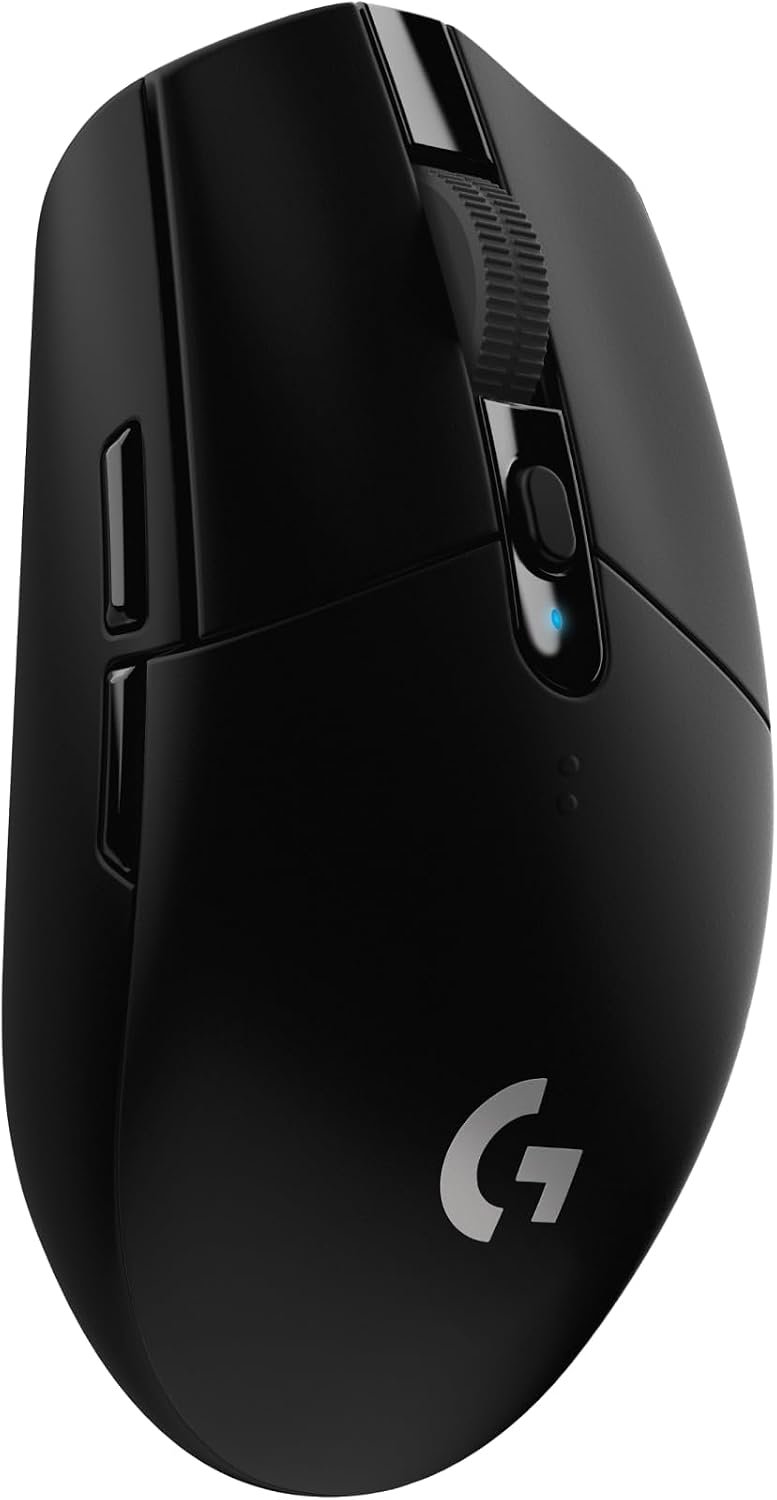
Logitech G305Best value

Reliable wireless performance

The legendary workhorse that refuses to die. It just works, every single time.

What We Liked 👍

  • Flawless Lightspeed wireless tech
  • Insane battery life endurance

What Could Be Better 👎

  • Design is looking very dated
  • Side buttons lack premium feel

RisoPhy Wireless

RGB addicts

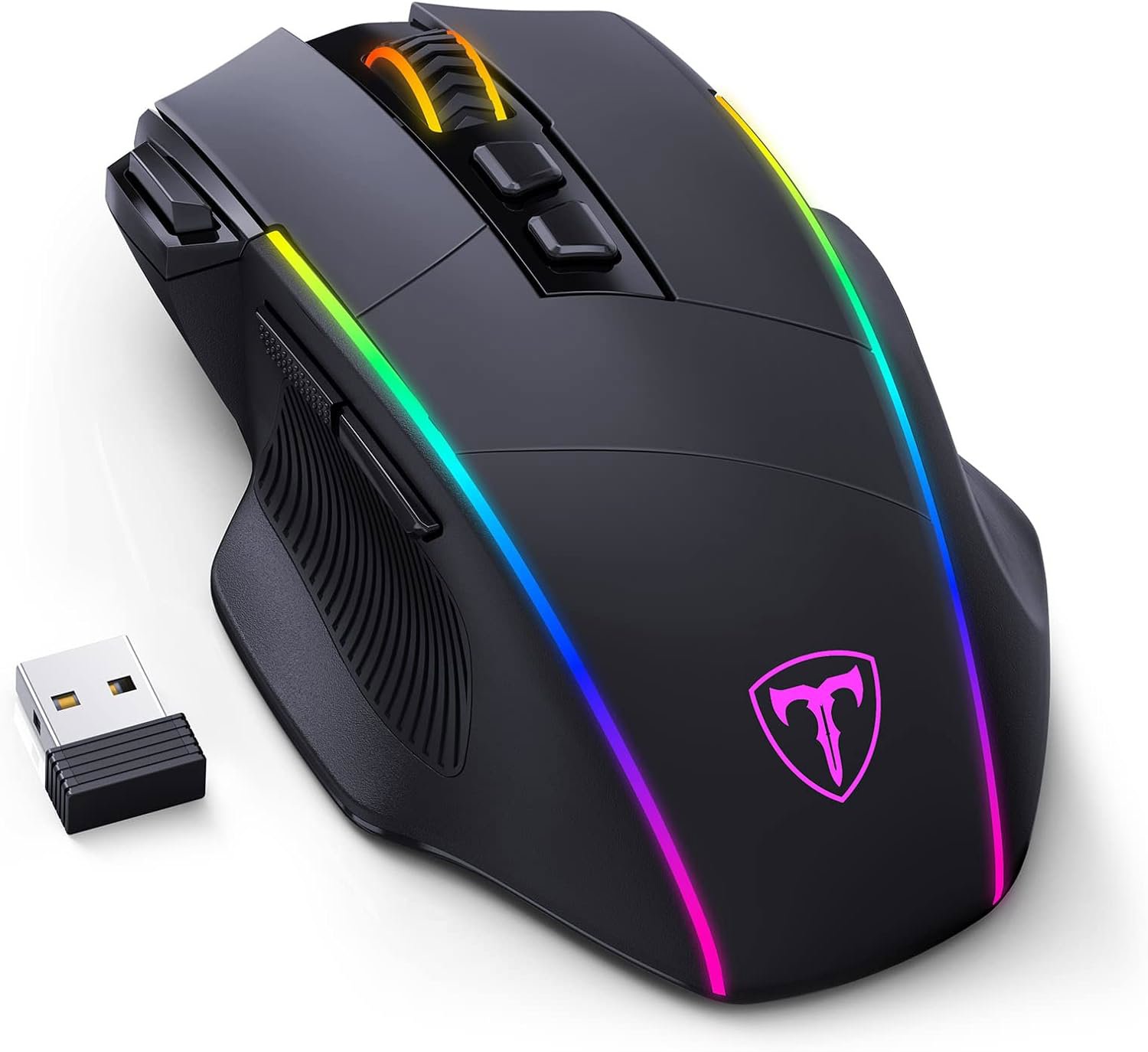
More lights than a Christmas tree in a budget package. Functional, if not refined.

What We Liked 👍

  • Extensive RGB lighting zones
  • Decent button layout for productivity

What Could Be Better 👎

  • Sensor is clearly entry-level
  • Heavier and less ergonomic

Razer Basilisk V3 XOur pick

Ergonomic comfort seekers

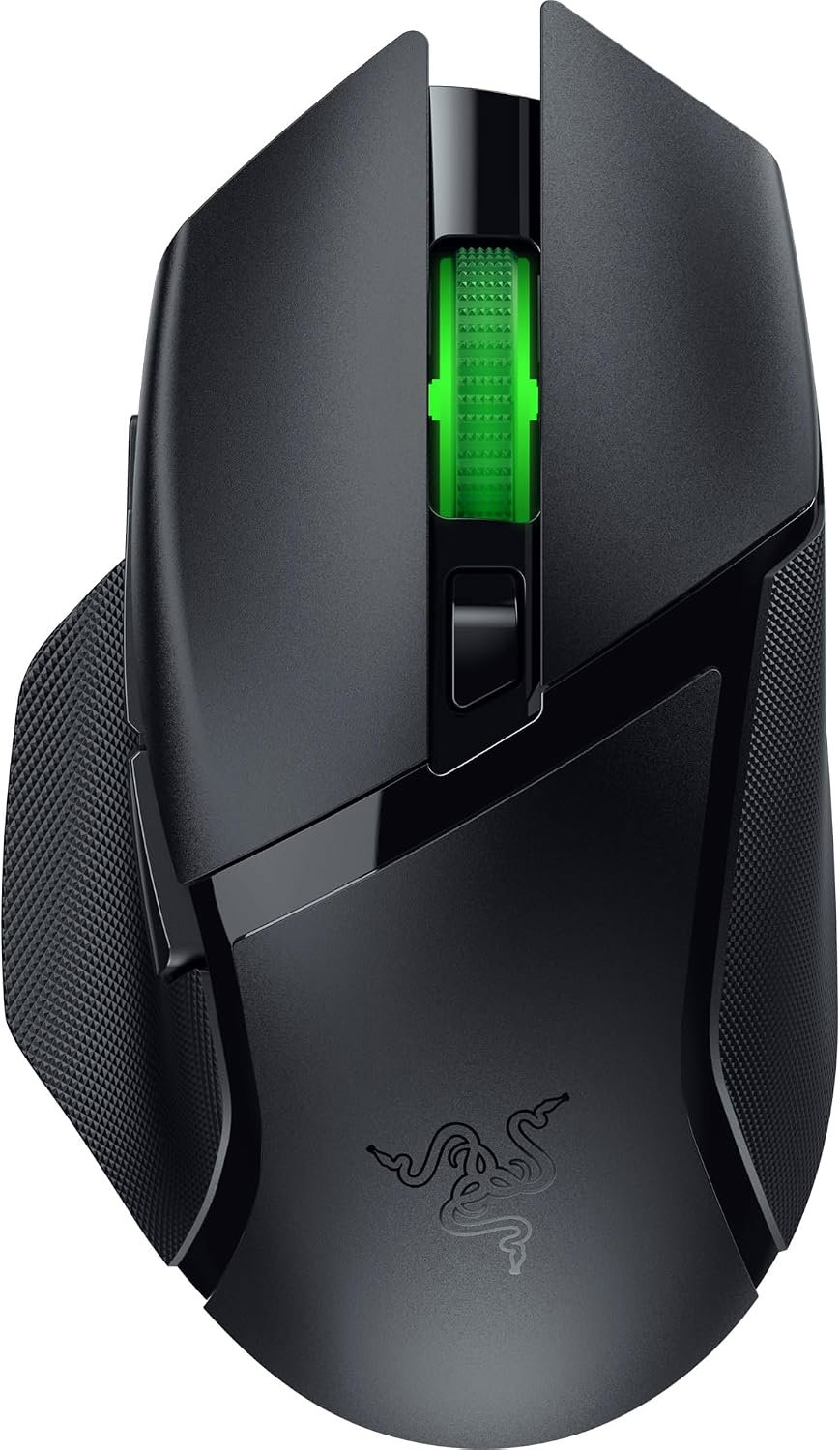
A comfortable, well-engineered mouse for long sessions. The best sensor of the bunch.

What We Liked 👍

  • Excellent iconic ergonomic shape
  • Top-tier 18K optical sensor

What Could Be Better 👎

  • AA battery power is inconvenient
  • Plastic surfaces collect oils easily

Sensor Fluff vs Real Performance

The market is currently flooded with mice sporting the PAW3311 sensor. It is the new darling of budget manufacturing, promising top-tier specs for pennies. In reality, it is a perfectly fine sensor for mid-level gaming, but do not expect it to match the tracking consistency of the Razer or Logitech offerings. You are paying for the implementation, not just the raw silicon.

Logitech and Razer do not just slap a sensor inside a shell and call it a day. They invest in latency management and driver stability, things you rarely find in the cheaper alternatives. If you want a mouse that does not double-click or lose connection during a clutch play, spend the extra money.

Connectivity and The Battery Trap

Tri-mode connectivity is a fancy way of saying they added Bluetooth so you can use the mouse with your tablet, not just your PC. While convenient, the latency in Bluetooth is noticeable to anyone who is not a casual gamer. Stick to the 2.4GHz dongle modes for any actual work.

Watch out for the battery situation. The cheaper models often rely on internal cells that might degrade, while Logitech and Razer favor disposable batteries. It sounds like a drawback, but being able to swap a battery in three seconds is often better than being forced to use a wired connection when your internal battery dies in the middle of a raid.

The Final Verdict

If you actually care about winning games, buy the Logitech G305 or the Razer Basilisk V3 X. They offer peace of mind that the cheaper brands cannot provide. If you are just trying to save a few euros for a Steam sale, the ATTACK SHARK X11SE is the most competent of the budget bunch.

Do not get distracted by DPI numbers that go into the stratosphere. 24,000 DPI is a marketing gimmick that nobody actually uses. Focus on weight, shape, and software stability instead.

Prices on amazon.de as of October 31, 2026. Prices may change.

Disclosure: We share affiliate links and can earn some money when you click on any of those.

  • Gaming mice
  • Wireless
  • Budget tech
  • PC accessories