





The Dongle That Actually Delivers
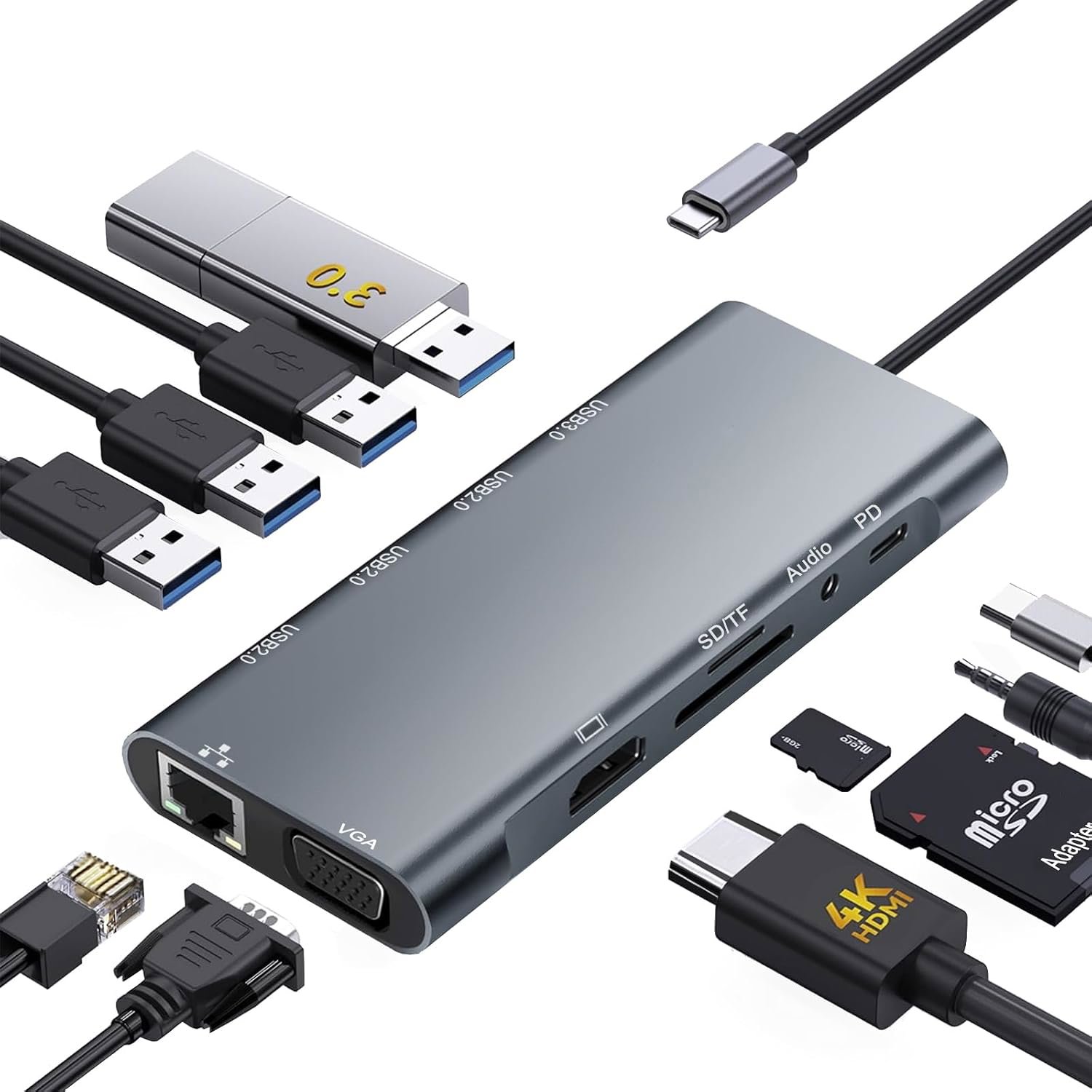
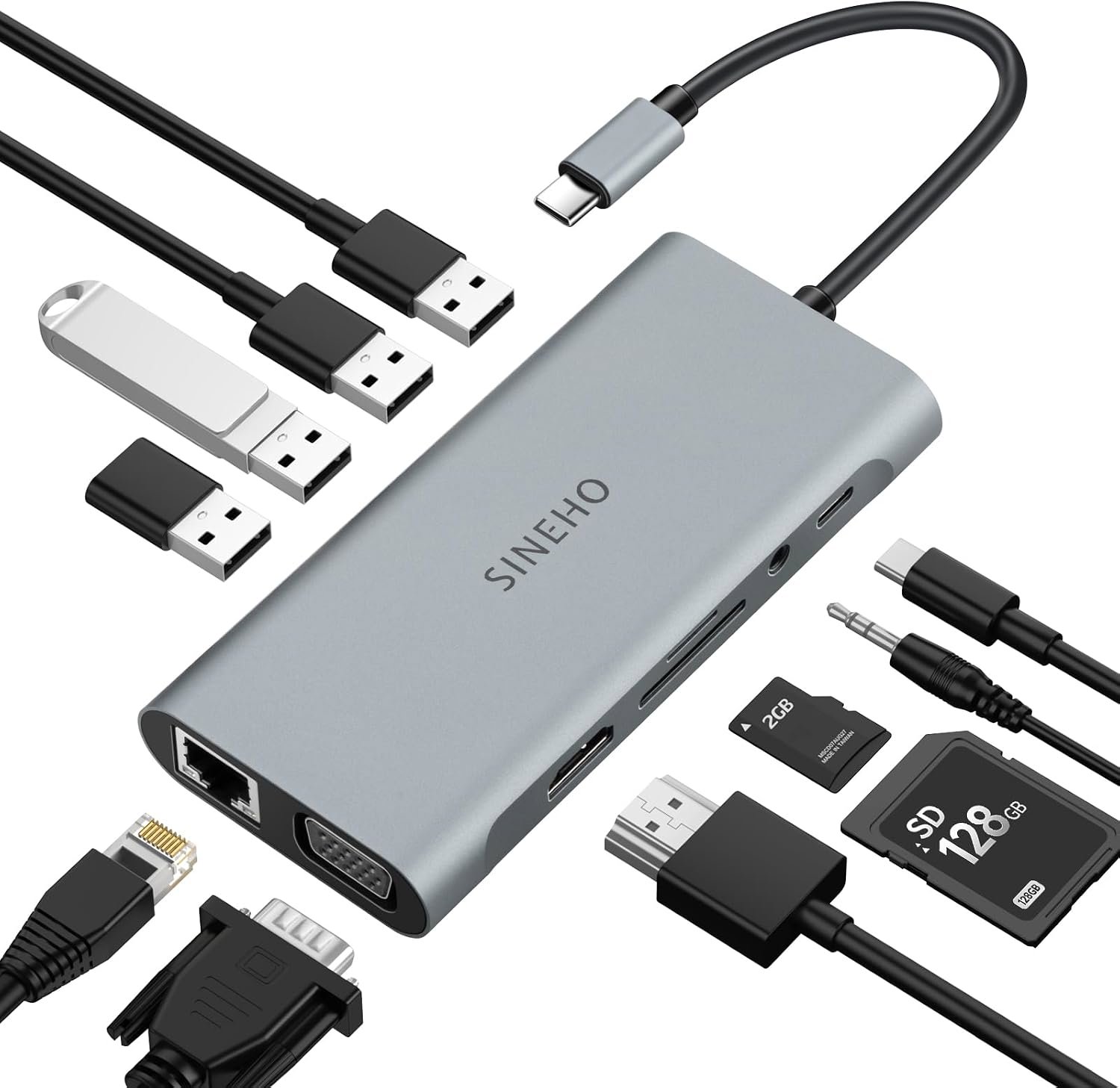
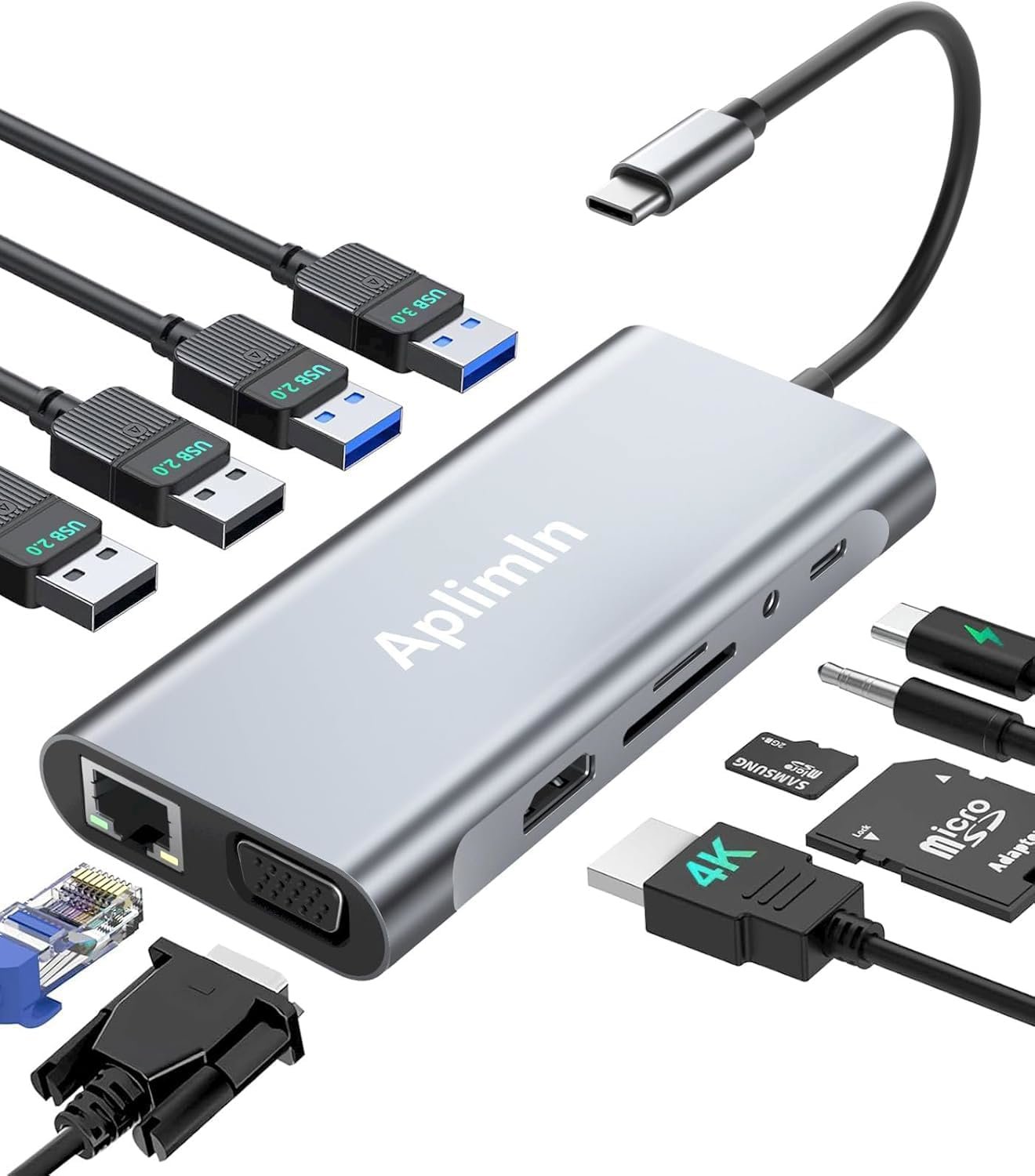
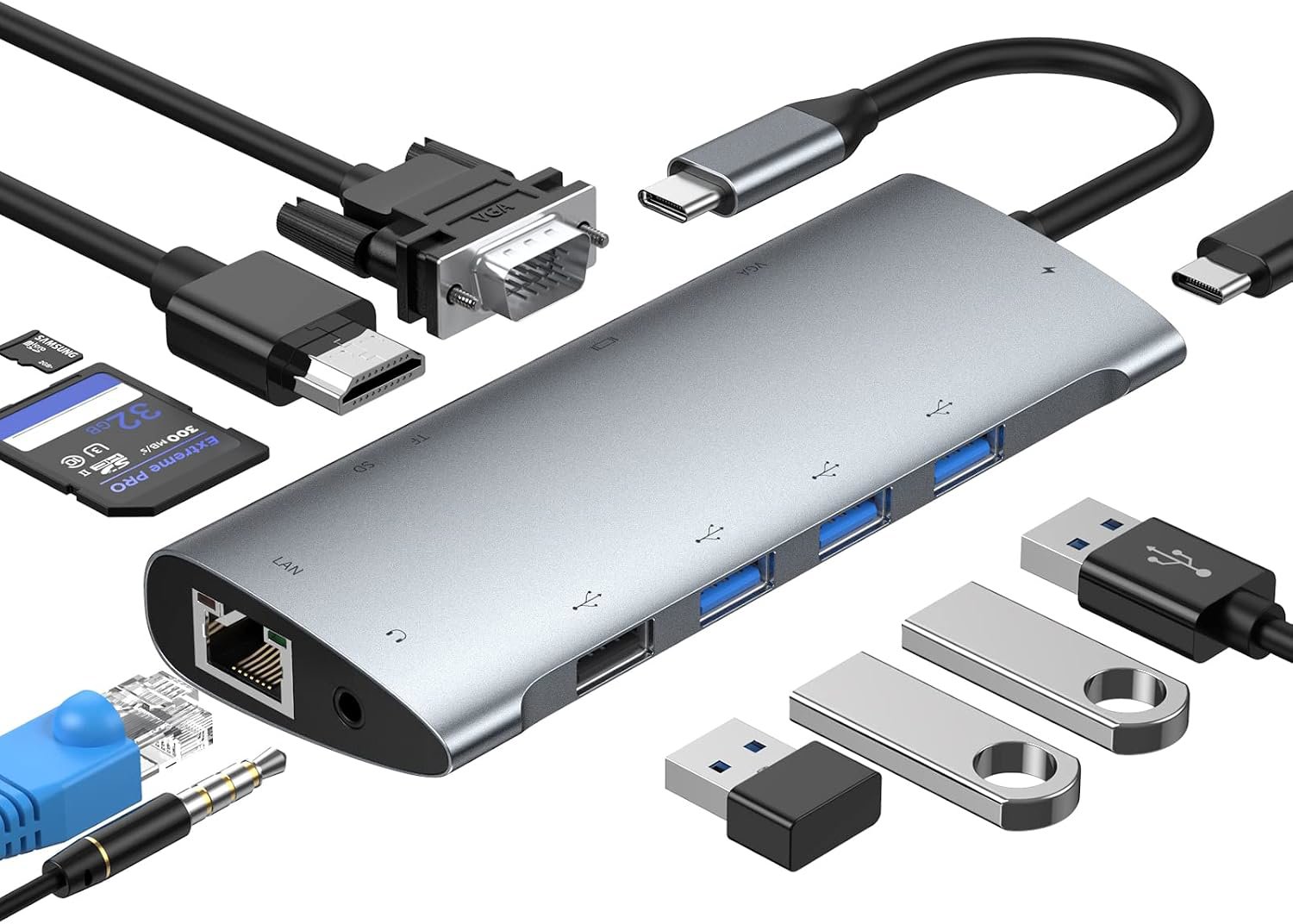
This GIISSMO hub throws 11 ports at your USB-C laptop and mostly sticks the landing. You get HDMI, VGA, Ethernet, SD/TF reader, USB 3.0, and 100W charging all crammed into an aluminum stick smaller than a deck of cards. Not perfect, but at 20 EUR it's the anti-Apple tax we deserve.
What We Liked 👍
- 11 ports packed into compact aluminum body
- 100W USB-C Power Delivery charges while everything else runs
- Gigabit Ethernet actually works without hiccups
- 4K HDMI and VGA cover both old and new monitors
- SD/TF card reader saves you from adapter hell
- Plug and play on Linux, Mac, Windows
What Could Be Better 👎
- USB-C port only handles power, not data pass-through
- USB 3.0 transfer speeds can be sluggish
- Rounded housing doesn't sit flat on desk
- Occasional compatibility issues with certain laptops
- Ethernet reliability drops after extended use
- Only one USB 2.0 port might feel limiting
The Port Gatekeeping Ends Here
Apple's minimalist USB-C port situation is a meme that stopped being funny around 2016. This GIISSMO hub is basically the middle finger to that philosophy, and honestly, that alone makes it worth twenty euros. You get HDMI for the conference room projector nobody warned you about, VGA for your company's ancient monitor collection, Gigabit Ethernet because WiFi is a lie told by marketing departments, and a 3.5mm jack for people who still believe in wired audio. The aluminum body feels reasonably solid, not cheap plastic nonsense.
The real magic is the 100W Power Delivery. You can charge your MacBook or other USB-C laptop while simultaneously running external drives, keyboards, mice, displays, and whatever else you threw in this digital Swiss Army knife. Buyers consistently report this works without the performance hiccups that plague cheaper hubs. Linux users are particularly enthusiastic, which is tech-speak for 'this thing just works without driver drama.' The Gigabit Ethernet actually delivers consistent speeds too, at least until you've been hammering it for six months straight.
The Catches (Because of Course There Are)
Here's where spec sheet says one thing, reality says another. That USB-C port? It's power-only. You can't daisy-chain another USB-C SSD or device through it. Some buyers expected full pass-through and felt blindsided. The USB 3.0 speeds, while technically present, can be tortoise-mode. One reviewer clocked 2GB in three minutes on a decent USB stick. That's not broken, but it's not exactly blazing. The rounded housing is a bizarre design choice that means it won't sit flush on your desk, so expect it to tilt awkwardly like a tiny aluminum pebble.
Compatibility is where things get spicy. Most users report flawless integration on MacBooks and various Windows and Linux machines. But some Lenovo IdeaPad users got stuck in USB disconnect loops, with the laptop refusing to charge even with PD juice flowing in. One HP EliteBook owner experienced random Ethernet dropout after extended sessions. These aren't universal failures, but they're worth knowing about if you're on the edge of those ecosystems. The hub's not broken for those folks, just incompatible. There's a difference.
What You're Actually Getting
The port manifest: 1x USB 2.0, 3x USB 3.0 (up to 5 Gbps), 1x HDMI (4K capable), 1x VGA, 1x RJ45 Gigabit Ethernet, 1x 3.5mm audio jack, 1x USB-C for power delivery (100W), 1x SD card slot, 1x microSD slot. It's 12.4cm x 4.8cm x 1.7cm, so genuinely portable. The specs promise Chrome OS and Windows 10 minimum, but it works across basically any USB-C device that supports DisplayPort alt-mode and data transfer. That's your MacBook, your Dell XPS, your ThinkPad, your Surface, your latest Android phone with real USB-C, and a bunch of others.
Who Should Buy This, Who Should Skip
Buy this if you own a USB-C laptop and live in the real world where people still use HDMI projectors, Ethernet cables, SD cards, and headphone jacks. Buy it if you need to charge while docked. Buy it if you're tired of the Apple ecosystem tax on accessories. Skip it if you exclusively live in Thunderbolt 4 native docks or have a perfectly functional hub already. Skip it if you need cutting-edge USB 3.2 speeds or daisy-chaining USB-C devices. Skip it if you're running a Lenovo IdeaPad Flex and want guaranteed compatibility. For everyone else at 20 EUR, this is the anti-dongleware dongle that actually solves problems instead of creating them.